Team, devices and control
You decide who sees what
Everyone joins from their own phone, tablet or computer, and nobody gets in until you approve the device and choose their role. Removing a device wipes Godaam’s data from it.
| Role | What they can do |
|---|---|
| Owner | Everything: the godown, parties, rates, stock, billing, reports, holds, corrections, devices and the plan |
| Co-owner | The same as the owner, for a partner or family member |
| Accountant | Receive, dispatch and move stock; invoices, payments, statements, rates, approvals and the audit log |
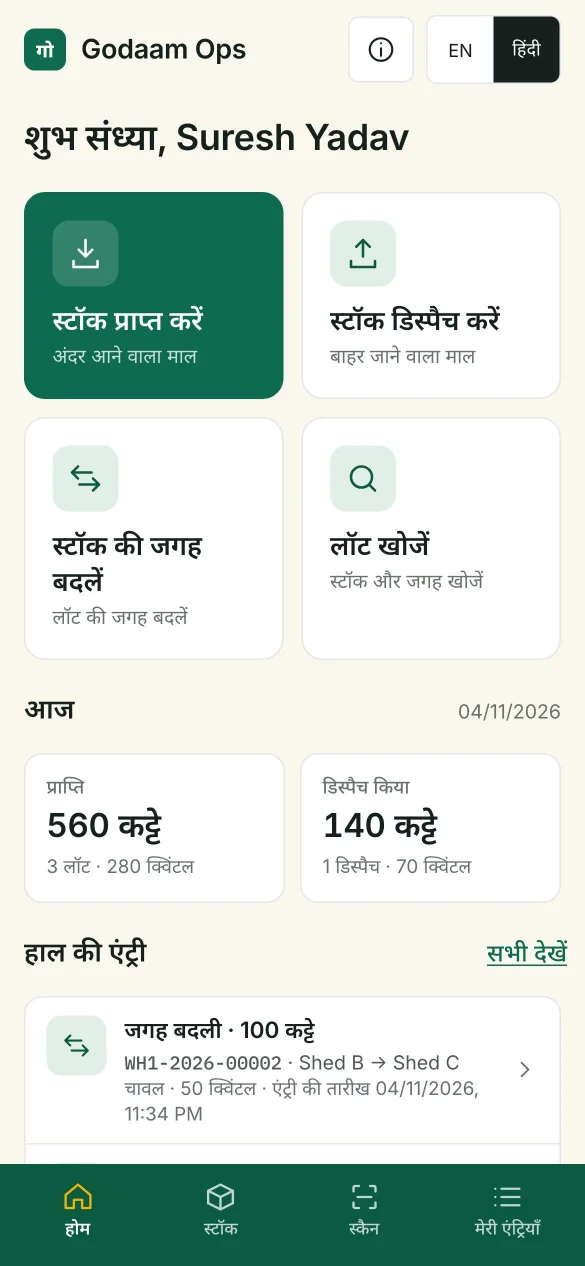
| Godown staff | Receive, dispatch and move stock, and print slips. They never see rates, invoices or balances |
Simple joining
Share a QR code. The new device shows a 6-digit code that you check before approving.
Notifications
Stock in, stock out, dispatches to approve, payments and duplicate receipt prints, on your phone.
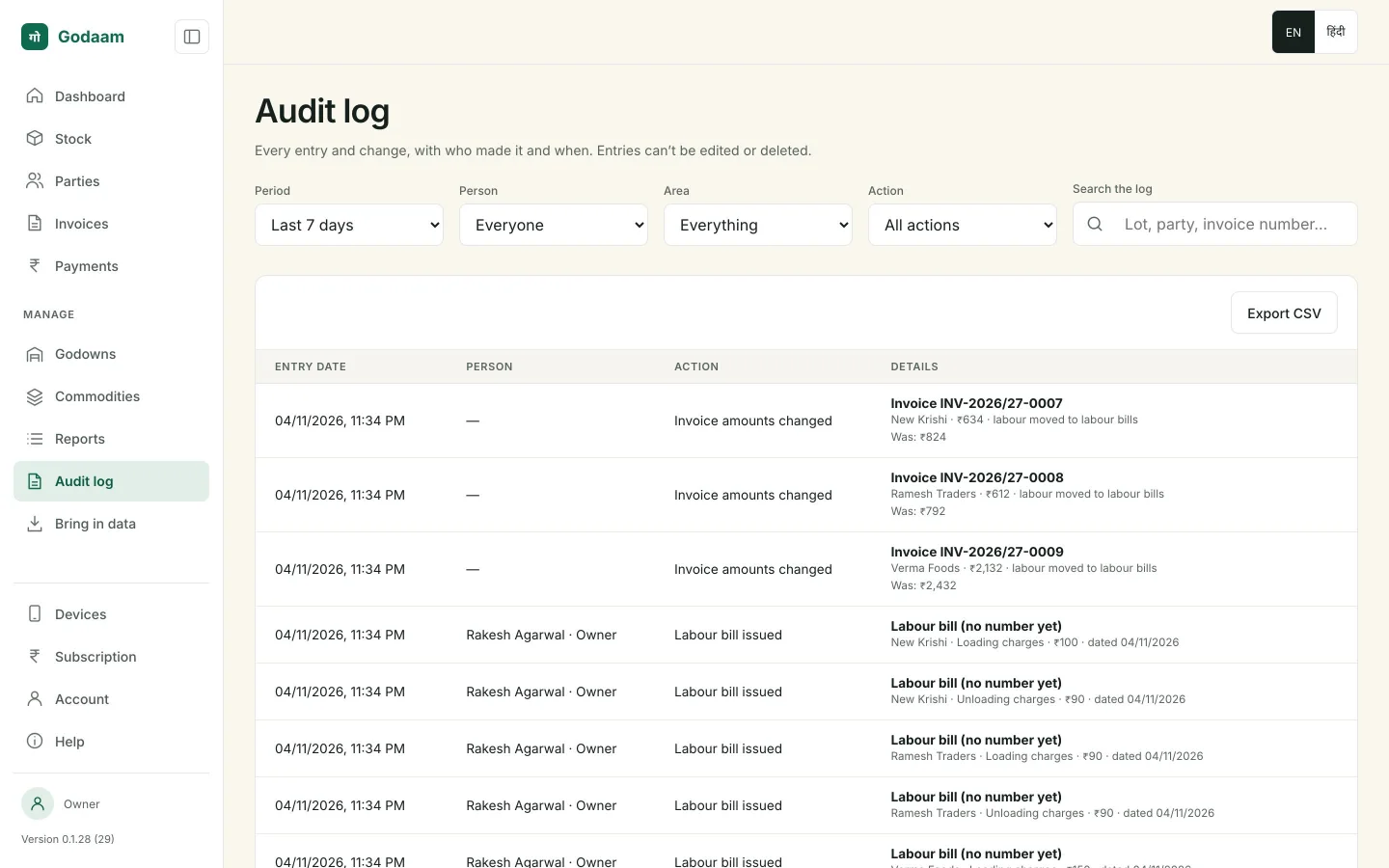
Audit log
Every entry and change, with who made it and when. Entries can’t be edited or deleted.
Security
Safe, and only for the people you choose
Encrypted business data
Your data is encrypted on your devices and on its way to the server.
Passcode, fingerprint and auto-lock
Each device opens with a passcode, or fingerprint or Face ID on phones. It locks itself after 5 minutes in the background on a phone, or 15 minutes unused on a computer.
Recover access
Lost phone or forgotten passcode? The owner gets back in with an OTP on their registered mobile.
Godown staff never see rates, invoices or balances. The owner and the accountant see the money.
Language and devices
In your language, on the devices you have
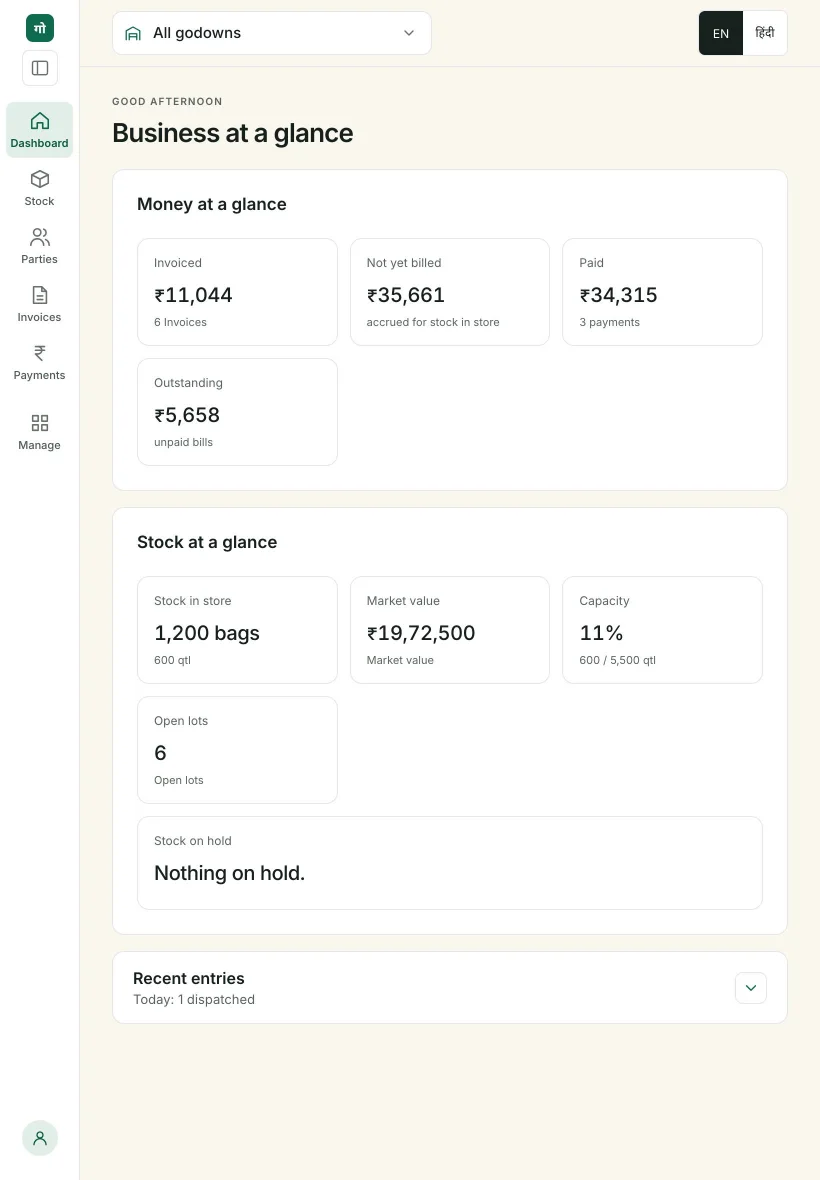
English and हिंदी everywhere
Every screen switches language, and every document prints in either language. Help is built into the app in both.
Phones for the godown
Android and iPhone for the godown staff.
Tablets for the owner and the office
An Android tablet or an iPad, upright or sideways, with the full office layout.
Or a Windows computer
The same office on the Windows app.
Bring your whole team on board
We set up your godown and add your staff and accountant in one visit.